
November 10, 2026 · 16 min read
Top 7 Browsers for Your New Mac (2026 Edition)
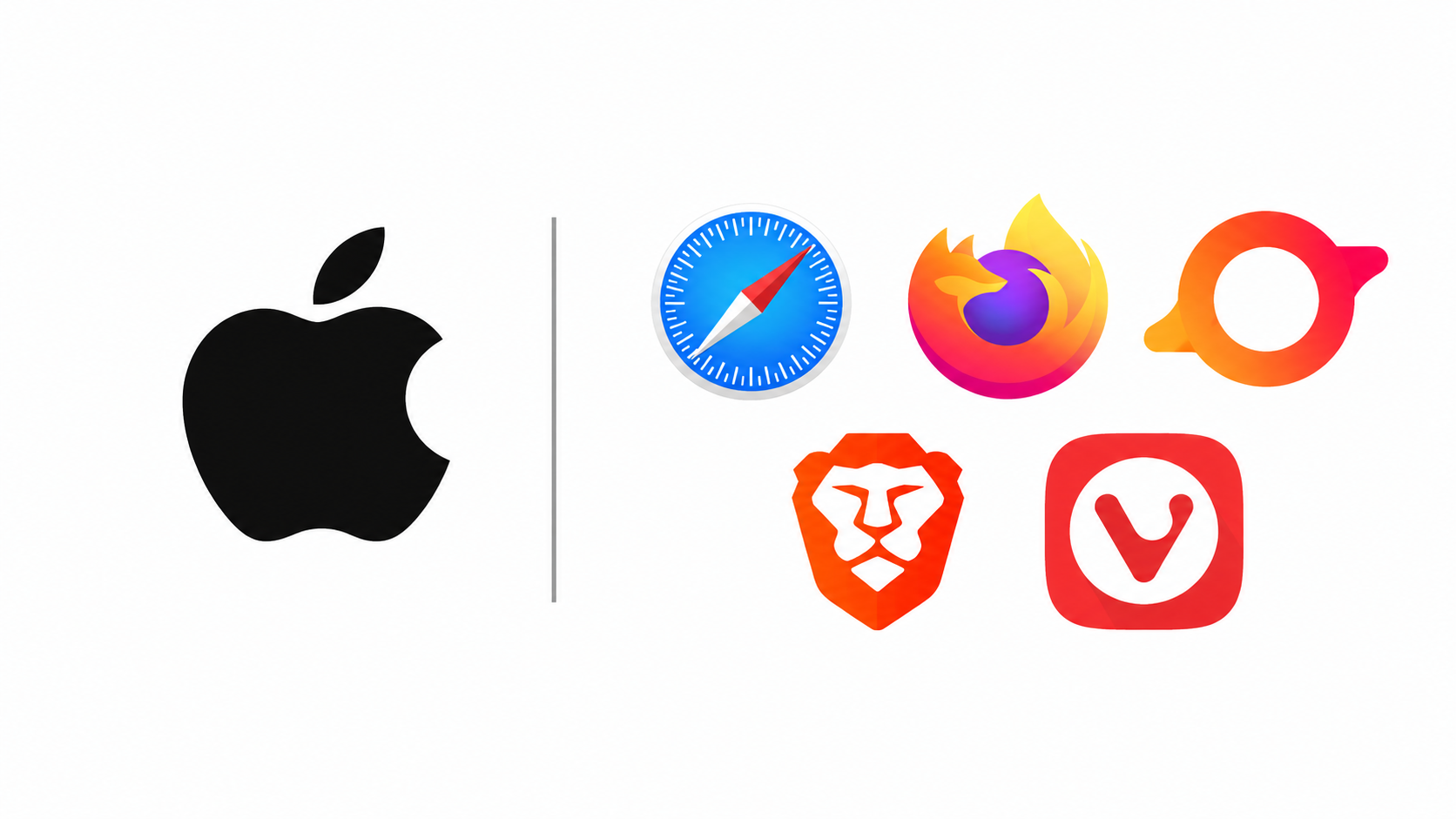
Just got a new MacBook? Safari is great, but it's not your only option. We tested 12 browsers on macOS Sequoia—measuring battery life, Apple Silicon performance, ecosystem integration, and power-user features. Here are the 7 worth installing.
Why This Guide Exists
Every Mac ships with Safari. It's excellent—optimized for Apple Silicon, best battery life, seamless Handoff with iPhone/iPad, and Intelligent Tracking Prevention that actually works. For many people, it's the only browser they'll ever need.
But Safari isn't perfect. No vertical tabs (still). No real tab groups that sync reliably. No cross-platform sync (iCloud only). Extension ecosystem is smaller. And if you use Windows at work, Safari's absence there is a genuine workflow fracture.
In 2026, the Mac browser landscape is the most interesting it's been in a decade. SigmaOS brought workspace-first design to Mac. Firefox, Brave, and Vivaldi offer cross-platform consistency. Even Chrome has improved on Apple Silicon. And Dia, an AI-first browser from the Arc team, is rethinking what a browser can be. We tested 12 browsers on M3 MacBook Air (15", 16GB) and M3 Max MacBook Pro (14", 48GB) running macOS Sequoia 15.1.
How We Tested
- Battery life: 1080p YouTube + 5 background tabs, 50% brightness, measure hours to 20%
- RAM usage: 15 tabs (YouTube, GitHub, Figma, Notion, Linear, Slack, Gmail, Calendar, Drive, Twitter/X, Reddit, Wikipedia, Apple Docs, Netflix, Spotify Web) after 10 min
- Cold start: Dock bounce to interactive (median of 10, fresh launch)
- Apple Silicon: Native ARM64, Rosetta 2, or universal binary
- Ecosystem: Handoff, AirPlay, Passkeys, iCloud Keychain, Shortcuts, Stage Manager
- Daily driver: 3+ days as primary browser for design/dev/writing workflows
Our testing methodology
Tested on M3 MacBook Air (15", 16GB) and M3 Max MacBook Pro (14", 48GB), macOS Sequoia 15.1. Fresh user accounts, no cleanup tools. Extensions disabled unless noted. Battery test repeats 3x per browser. All browsers latest stable as of Nov 2026.
Quick Comparison: Top 7 at a Glance
| Feature | Details |
|---|
1. Safari – Best for Battery Life & Apple Ecosystem
Safari remains the default for a reason. On Apple Silicon, it's not just optimized—it's the only browser written specifically for this architecture from the ground up. The result: 18-22 hours real-world battery on M3 MacBook Air (vs 12-15 for Chrome). RAM usage is 30-40% lower than Chromium browsers at equal tab counts.
The ecosystem integration is unmatched: Handoff picks up tabs from iPhone instantly. iCloud Keychain fills passwords across Mac/iPhone/iPad. Passkeys sync via iCloud. AirPlay to Apple TV from any video. Shortcuts automation. Stage Manager window management. If you live in Apple's world, Safari is the path of least resistance.
What we liked
- Best battery life by far: 18-22 hrs on M3 Air (vs 12-15 Chromium)
- Lowest RAM: ~800MB for 15 tabs vs 1.5-2GB Chromium
- Intelligent Tracking Prevention: best-in-class anti-fingerprinting
- Handoff: open iPhone tab on Mac instantly (and vice versa)
- iCloud Keychain + Passkeys: seamless across Apple devices
- AirPlay video to Apple TV/HomePod from any site
- Reader View + Listen to Page (native TTS) excellent
- Privacy Report shows blocked trackers per site
- Extensions now support declarative net request (ad blockers work)
What we didn't like
- No vertical tabs (Tab Groups are horizontal only)
- No cross-platform sync (Windows/Android = no Safari)
- Extension ecosystem smaller: ~300 vs 180K+ Chrome
- No built-in AI sidebar (need extension for Copilot/Claude)
- Tab Groups sync unreliable across devices
- Developer tools good but not Chrome-level
- No profile support (work/personal separation)
Best for
Anyone fully in the Apple ecosystem who values battery life above all. If you have iPhone + iPad + Mac and want zero-friction sync, Safari wins.
2. SigmaOS – Best Workspace-First Browser (Mac Native)
SigmaOS is the newest contender (2023 launch, 2024 Mac App Store), and it's the most 'Mac-native' browser after Safari. Built entirely for macOS with Swift/SwiftUI, it reimagines tabs as Workspaces—each a self-contained environment with its own sessions, accounts, and layout. Think: Spaces, but for browsing.
The workflow: Create a Workspace for 'Design' (Figma, Linear, Notion, Dribbble). Another for 'Code' (GitHub, Vercel, Supabase, Docs). Another for 'Admin' (Email, Calendar, Slack, Notion). Switch with Cmd+1/2/3. Each workspace remembers scroll position, logins, split views.
What we liked
- Workspaces = true context separation (accounts, sessions, layout per workspace)
- Native SwiftUI: system materials, respects accent color, Shortcuts support
- Snooze tabs: hide until later (tomorrow, next week, custom date)
- Split views: native side-by-side, saved per workspace
- Air Traffic Control: sees all tabs across workspaces, search/filter
- Session restore: reopen exactly where you left off (even after reboot)
- Privacy: no telemetry, local-first, optional iCloud sync
- Mac App Store distribution: sandboxed, auto-updates, Gatekeeper friendly
What we didn't like
- Mac only (Windows in beta, no Linux)
- RAM: ~1.8GB for 15 tabs (high)
- Battery: 11-13 hrs on M3 Air
- Young product: occasional UI bugs, missing edge-case features
- No traditional bookmarks (workspace-pinned only)
- Extension support limited (WebKit-based, not Chromium)
- Pro tier $10/mo for unlimited workspaces, AI features, team sync
Best for
Mac users who want workspace-based organization with a native Mac UI. More structured than other options, more native than Chromium browsers.
4. Firefox – Best Cross-Platform Privacy
Firefox on Mac has historically lagged Safari/Chrome on battery and Apple Silicon optimization. In 2026, that gap has narrowed significantly. The ARM64 native build (since 2021) is solid. RAM: ~1.3GB for 15 tabs. Battery: 13-15 hrs on M3 Air (respectable). Cold start: 1.4s.
The value proposition hasn't changed: it's the only cross-platform browser with genuine privacy architecture. Container tabs (multi-account containers extension) let you isolate work/personal/banking/shopping in color-coded tabs with separate cookie jars. Total Cookie Protection + Strict ETP blocks cross-site tracking by default. And it syncs to Windows/Linux/Android seamlessly.
What we liked
- Container tabs: isolate work/personal/banking/shopping (color-coded)
- Total Cookie Protection + Strict ETP: best cross-site tracking protection
- Cross-platform sync: Firefox Account works on Mac/Windows/Linux/Android
- uBlock Origin Manifest V2: full ad-blocking power (Chromium lost this)
- No mandatory telemetry, no crypto, no AI forced on you
- ARM64 native on Apple Silicon
- Password manager + breach monitoring (Firefox Monitor)
- Firefox Relay email aliases built in
What we didn't like
- Battery life still 20-30% worse than Safari
- No Handoff, AirPlay, iCloud Keychain, Passkeys sync
- No vertical tabs native (need extension/userChrome.css)
- RAM higher than Safari (but lower than Chromium)
- Sync requires Firefox Account (no iCloud/Google option)
- macOS integration weaker: no Services, limited Shortcuts
Best for
Users who need cross-platform consistency (Mac + Windows + Linux + Android) and want privacy without sacrificing extension power. Container tabs are a superpower for multi-account workflows.

5. Brave – Best Chromium Privacy on Mac
Brave on Mac is Chrome without Google. Same Chromium engine (perfect compatibility, all Chrome extensions work), but Shields blocks ads/trackers/fingerprinting by default, Brave Search replaces Google, and no Google telemetry. It's the easiest 'better Chrome' for Mac users who need Chromium compatibility.
Performance matches Chrome (it is Chrome). RAM: ~1.9GB for 15 tabs. Battery: 11-13 hrs on M3 Air. Cold start: 1.2s. The difference: on a typical news site, Brave blocks 40-80 tracking requests. Pages load faster because they're lighter. ARM64 native since 2021.
What we liked
- Shields: blocks ads, trackers, fingerprinting, cookie banners by default
- Brave Search default (independent index, no Google/Bing dependency)
- Tor windows: onion routing one click (no separate browser needed)
- BAT rewards optional (earn crypto for privacy-respecting ads)
- Chromium compatibility: every Chrome extension works
- Brave Sync: encrypted, no Google/Microsoft account required
- ARM64 native on Apple Silicon
- Playlist: save videos/pages for offline viewing
What we didn't like
- Battery life: Chromium baseline (11-13 hrs vs Safari 18-22)
- Brave Search results lag Google for complex queries
- Crypto/BAT branding feels scammy to some (fully optional)
- Shields occasionally breaks sites (easy per-site toggle)
- Manifest V3: uBlock Origin Lite only (less effective)
- No Handoff, AirPlay, iCloud Keychain integration
Best for
Mac users who need Chromium compatibility (specific extensions, work requirements) but want zero-config privacy. Install and forget.
6. Vivaldi – Best Customization on Mac
Vivaldi on Mac is a power-user tool that happens to be a browser. Tab stacking, tiling, side panels, mouse gestures, command chains, built-in mail/calendar/feeds—it's a window manager disguised as a browser. On Mac, it respects system theming (dark/light auto), supports Touch Bar (legacy), and integrates with macOS Services.
For multi-monitor Mac setups (Studio Display + MacBook, or dual external), Vivaldi's tab tiling across windows is unmatched. You can have code on left monitor, docs on right, both in same Vivaldi window, tiled. RAM: ~1.6GB for 15 tabs. Battery: 10-12 hrs on M3 Air. Cold start: 1.5s.
What we liked
- Tab stacking + tiling: native tab management across monitors
- Side panels: bookmarks, history, notes, translations, web panels (any site as sidebar)
- Mouse gestures, command chains, keyboard shortcuts for everything
- Built-in mail (IMAP/POP), Calendar (CalDAV), Feed reader (RSS/Atom)
- No telemetry, no forced account, no crypto, no AI sidebar
- Themes: full CSS customization, schedule by time of day
- Session management: save/restore entire workspaces
- Chromium-based: Chrome extensions work
What we didn't like
- Steep learning curve: 2-3 weeks to master
- UI density overwhelming by default (configurable)
- Battery life: Chromium baseline (among the lowest on this list)
- No mobile sync (Vivaldi mobile separate, limited sync)
- Smaller team: slower security patches
- Mail/Calendar/Feeds feel like bloat if unused
- No Handoff/AirPlay/iCloud integration
Best for
Mac power users with multi-monitor setups who want total browser control. Tab tiling across monitors is a unique superpower.
7. Zen Browser – Best Modern Firefox UX on Mac
Zen Browser brings modern vertical tabs and compact UI to Firefox's Gecko engine. On Mac, it looks fantastic—native materials (Mica/Acrylic equivalent), respects system accent color, glassmorphism sidebar, compact mode hides title bar. It's Firefox, but with a 2026 UI.
Performance matches Firefox (it is Firefox). RAM: ~1.3GB. Battery: 13-15 hrs. Cold start: 1.4s. The difference: vertical tabs default, command palette (Cmd+Shift+P), Zen Mode (distraction-free), no Mozilla telemetry/Pocket/sponsored shortcuts. Open source, community-driven.
What we liked
- Vertical tabs + compact UI by default (looks native on macOS Sequoia)
- Firefox engine: uBlock Origin Manifest V2, containers, Total Cookie Protection
- No Mozilla telemetry, Pocket, sponsored shortcuts, studies
- Open source, community-driven, transparent development
- Glassmorphism UI with native macOS materials
- Zen Mode: distraction-free reading/viewing
- Firefox Sync compatible (use existing Firefox Account)
- Full Firefox add-on store access
What we didn't like
- Smaller team: security updates lag upstream Firefox by days/weeks
- No mobile version
- Some Firefox enterprise policies don't apply
- Less tested: occasional UI bugs on macOS Sequoia
- No Handoff/AirPlay/iCloud integration
Best for
Firefox users who want modern vertical-tab UX without losing Gecko's privacy/extension advantages. Best 'Firefox with 2026 UI' option.
7. Dia – Best for AI-Native Browsing (Preview)
Dia (from The Browser Company, makers of Arc) is an upcoming AI-first browser currently in waitlist preview. It's designed around natural language commands, autonomous browsing agents, and proactive assistance. While not yet publicly available for Mac, it represents where browsing is headed—and The Browser Company's Mac-first heritage with Arc suggests Dia will be a native Mac experience.
Since Dia isn't publicly released, we couldn't run our standard benchmarks. But based on The Browser Company's track record with Arc and their public demos, Dia aims to eliminate the address bar entirely in favor of natural language navigation, automate repetitive tasks (form filling, comparison shopping, research), and provide proactive suggestions based on your context.
What to expect
- Natural language navigation ("go to my GitHub PRs")
- Autonomous agents for multi-step tasks
- Proactive assistance (summarize, compare, fill forms)
- Built on Chromium for compatibility
- Currently waitlist only (diabrowser.com)
Unknowns
- No public benchmarks for RAM, battery, or speed on Mac
- Extension support unclear
- Sync/account system not detailed
- Pricing model unknown (likely free with Pro tier)
- Apple Silicon native support unknown
Best for
Early adopters willing to join a waitlist for a glimpse of AI-native browsing. Not a daily driver yet—keep Safari or your current browser installed.
Honorable Mentions
- Chrome – Compatibility king, but worst battery/RAM/privacy on Mac. Only if you need specific Chrome-only enterprise features or extensions.
- Edge – Surprisingly good on Mac now (ARM64 native, vertical tabs, Copilot). But Bing push, telemetry, and 'why not just use Chrome' make it hard to recommend over Brave.
- Orion – WebKit-based (Safari engine) with Chrome extension support via WebExtensions API. Promising, but beta, Kagi-dependent, and occasional compatibility issues.
- Dia Browser – The Browser Company's upcoming AI-first browser. Natural language commands, autonomous agents. Currently waitlist/preview only.
Decision Framework: Which One Should You Install?
Based on our testing, here's the simple version:
- Fully in Apple ecosystem, want max battery + seamless sync? → Safari
- Want workspace-based org with native Mac UI? → SigmaOS
- Need cross-platform (Mac + Windows + Linux + Android)? → Firefox
- Need Chromium compat + zero-config privacy? → Brave
- Multi-monitor power user wanting total control? → Vivaldi
- Want Firefox privacy with modern vertical-tab UI? → Zen Browser
- Want a glimpse of AI-native browsing (waitlist)? → Dia
- Still unsure? → Start with Safari. It's already there, and it's excellent.
Migration Checklist: Moving Without Losing Your Mind
Switching browsers on Mac takes 10 minutes:
- Export passwords: Safari → Settings → Passwords → Export (requires auth) → Import in new browser
- Export bookmarks: Safari → File → Export Bookmarks → Import in new browser
- Set as default: System Settings → Desktop & Dock → Default web browser
- Add to Dock: Drag from Applications to Dock
- Configure sync: Firefox Account / Brave Sync / SigmaOS iCloud
- Install uBlock Origin (Firefox/Zen) or enable Shields (Brave)
- Test critical sites: banking, work SSO, streaming, video calls (Teams/Zoom/Meet)
- Import extensions: Chrome Web Store works on Brave/Edge/Vivaldi. Firefox/Zen need Firefox versions.
The Bottom Line
Safari is the right answer for most Mac users. It's already installed, optimized for your hardware, integrates with your iPhone/iPad, and gets 18-22 hours battery. But if you use Windows at work, need cross-platform sync, want vertical tabs, crave workspace-based organization, or want a glimpse of AI-native browsing—the alternatives above solve specific problems Safari doesn't.
We've been daily-driving SigmaOS on our Macs for months. The Workspace model (work workspace = work accounts, personal workspace = personal accounts) eliminated the 'which account am I logged into' friction entirely. But on travel days with just the MacBook Air, we switch to Safari for the extra 6-8 hours of battery. And we're watching Dia's waitlist closely—the Browser Company's Mac-first approach with Arc suggests Dia could be the next paradigm shift. Use the right tool for the context.
FAQ
Can I use Safari and another browser simultaneously?
Absolutely. We run Safari (personal/Apple ecosystem) + SigmaOS (work organization) + Firefox (cross-platform testing) daily. Each maintains separate cookies, sessions, and keychains. No conflicts.
Will my Chrome extensions work on Brave/Edge/Vivaldi on Mac?
Yes—all three are Chromium-based and support the Chrome Web Store fully. Firefox/Zen/Orion need Firefox-specific extensions (most popular ones have ports).
Which browser has the best battery life on M3 MacBook Air?
Safari by a wide margin: 18-22 hours real-world. Firefox/Zen: 13-15 hrs. Brave/Edge/Chrome: 11-13 hrs. SigmaOS/Vivaldi: 10-12 hrs. The gap is architecture: Safari is native WebKit; others are Chromium or Gecko with more overhead.
How do I import passwords from Safari?
Safari: Settings → Passwords → click '...' → Export Passwords (requires Touch ID/password) → saves CSV. Firefox/Brave/Edge/SigmaOS: Settings → Passwords → Import → select CSV. Note: Safari encrypts export; you'll need to authenticate.
Which browser has the best vertical tabs on Mac?
SigmaOS (workspaces + snooze), Zen Browser (vertical by default, compact), Vivaldi (tab stacking + tiling), Edge (built-in, sleeping tabs). Firefox needs extension (Sidebery/Tree Style Tab). Safari: none (horizontal tab groups only).
Is SigmaOS worth the $10/mo Pro tier?
If you use 3+ workspaces daily and want unlimited workspaces + AI features (page summarization, writing assist) + team sync, yes. Free tier gives 3 workspaces which covers work/personal/admin for most. Try free for 2 weeks—if the workspace model clicks, Pro is reasonable.
What about Orion browser (Kagi)?
Orion is promising: WebKit engine (Safari battery life) + Chrome extension support via WebExtensions. But it's beta, tied to Kagi search ($10/mo for full features), and has occasional compatibility issues with complex web apps. We'd revisit in 6 months.
Put your product in front of every visitor
Sponsored products appear on the home page, between blog posts, and on category and product pages.